Student Management System with a React JS frontend

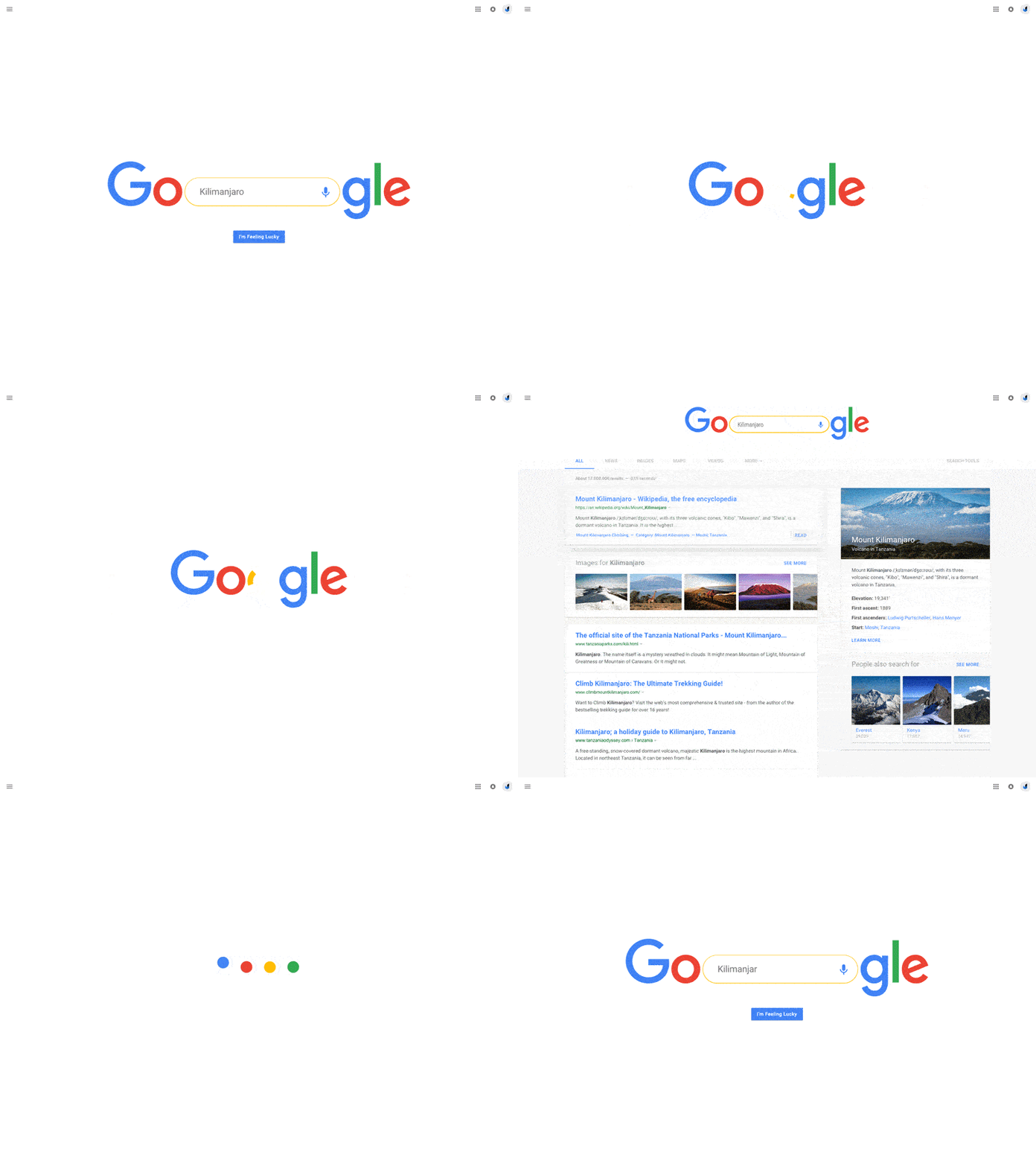
https://dribbble.com/shots/2751256-Google-Search

This is an academic project that was assigned to a team of 4. As the name suggest, it is to build a Student Management system with a react JS front end. Since now I’m a bit familiar with react, and experience gained in past projects it feels less complicated.

But we still chose incorporate libraries for styling and we chose Material UI, which is a really good library and most of the components have slick animations. Although we have already started with Material UI we don’t want to completely cover the UI with it. Our plan is to use material UI only where it’s really needed and to bring a clean and interactive UI. Once the skeleton of the UI is completed we will be using Bootstrap to do the other styling.

That is just the face of it but we do have our own dynamic components like form validation for Login and Registration where only pure react is used for validation. There for there will not be any API calls to the back end unless the form validation is handled and form is submitted. Form Validation logic is mixed with Material UI’s ”FormControl API” to show errors and small helpers for validation. Unlike bootstrap where you simply include the classNames inside the HTML tags itself, Material UI works with props. Their documentation includes the list of props that needs to worked with in order to get the desired look. Below link would give an idea of what those props might be for the “FormControl API”.

Material UI FormControl API

Still getting the hang of it, It’s not going to as fluid and slick as the header image of this blog but I believe the added animations would increase the overall look of the app. After all, even if the back end logic is proper and stable, it wouldn’t matter to the user much if the UI is not pleasant.

MERN Stack

What is MERN Stack? Well, if you have been following this blog and going through the older posts, you’d know what it is already. It was all building up to get here. Finally, finished a full stack app with good logic.. Please do check the below github link attached at the bottom of the blog if you’re interested.

MERN is a combination of Javascript frameworks and a No SQL database.Which are, MongoDB as the database, ExpressJS and NodeJS as the backend and ReactJS as the frontend. Because of this you could easily create dynamic websites and web apps with very less refreshing times. As a person who got here after being doing websites with HTML/CSS/PHP its a great transition. It felt complicated at first. It looked as if even the tiniest logic requires a lot more work, but it’s not. If you had check previous posts you’d know when using NodeJS you could easily install different modules to make like recurring codes or complicated logic easier and also safer.

For my project i used the Bootstrap library for additional styling, but the things you could do with react is immense. For an example validating forms without submitting and actually fetching and check data from the Database without any page refreshes are added bonuses.

I’m still in the progress of learning more, hoping to fully understand MERN create more complicated apps to simplify problems.

Until then you can check my github repository below and leave your comments.

Train Reservation App, with dummy/test payment gateways

Experiencing Hackathon


Photo by Annie Spratt on Unsplash

Hackathon is an event or competition held to engage in collaborative Computer Programming.

So my first Hackathon was a short one, roughly 8 hours. We were asked to form a group of 4. And the project given was to come up with a creative solution in order to increase the potential for future tourism in the country. Requirements were, it to be a Website with frontend built solely on React JS and backend to be built in any desired framework/language.

At first, we were overwhelmed because we were restricted to a short deadline. We knew we wouldn’t be able to finish with a perfect solution with a perfect UI before the given deadline. So we gave importance to the Idea/Solution. Spent a lot of time figuring out a good solution with a clean UI, and created a UI layout with photoshop as a guide to help us create it in React.

We were not able to develop in React completely but made sure the solution was heard.

End of the day, we learnt more than programming, which was a really valuable experience.

Node JS

Node JS
Photo by Fabian Grohs on Unsplash

I would consider this as the best thing that javascript could offer. Wait. But what is this best thing? What is nodeJS? and why all the hype?

Node.js is a JavaScript runtime environment, built on Chrome’s V8 engine. It could offer everything that you would need to execute a program developed with javascript.

Thanks to node.js, javascript doesn’t like a scripting language anymore, it is now capable of most of the features that a programming language could offer, and sometimes excels in it. I would like to highlight 2 of the most important things of node js, quoting directly from there official site.

• Node.js uses an event-driven, non-blocking I/O model that makes it lightweight and efficient.
• Node.js’ package ecosystem, npm, is the largest ecosystem of open source libraries in the world.

nodejs.org

What is non blocking I/O? I/O is input and output, which takes time no matter what language you use. With pure/vanilla javascript you normally have to wait for an I/O task to finish to start the next because it blocks the other tasks or functions, hence the name I/O Blocking. With javascript event loop this could be minimized a lot.

The package ecosystem, similar to maven, but npm has it’s own and considered to be largest. And this helps us to save time. We could actually focus on something thats high priority and use a package for something small which has been done a 100 times a year.

A list of favourite packages,

  • nodemon
  • mongoosejs
  • express-generator
  • mssql
  • material-ui
  • reactjs
  • bcrypt
  • passport
  • nodemailer

Build Libraries – How Maven made it Easy

Remember the days, you finished your code and you have all your build files in order and your app finally works the way you want it ? and then you share it with your friend/colleague and your whole app has collapsed because somewhere somehow something has gone missing..

That’s where maven could help out. Maven could manage all your dependencies in a pom.xml file and once you share it, they just have to run that file and install using maven and your app looks complete and back to life.

That’s not the only thing that maven could do, there’s a lot more. Just like “npm” you could easily find maven dependencies for most of the modules you are looking for, it even can bum your JDK from 1.6 to a newer version just by changing the pom.xml (Project Object Model) file and running it. Below is an example of how it looks.

xsi:schemaLocation="http://maven.apache.org/POM/4.0.0 http://maven.apache.org/maven-v4_0_0.xsd">
  <modelVersion>4.0.0</modelVersion>
  <groupId>com.first.app</groupId>
  <artifactId>first-maven-app</artifactId>
  <packaging>jar</packaging>
  <version>1.0-SNAPSHOT</version>
  <name>first-maven-app</name>
  <url>http://maven.apache.org</url>
  <dependencies>
    <dependency>
      <groupId>junit</groupId>
      <artifactId>junit</artifactId>
      <version>3.8.1</version>
      <scope>test</scope>
    </dependency>
  </dependencies>
</project>

Maven can handle a lot more. But this is what i use the most for.

Below link explains a lot more on maven, it’s a great article, have a look. https://adityasridhar.com/posts/how-to-get-started-with-maven

Reacting to React

React JS

React JS, made by the developers at Facebook, which is also used to develop Facebook. At first this looked like a mess, a highly complicated front-end framework. Setting states, passing props and code-able hooks. But once you get the hang of it you’d know how great of framework this is. Creating interactive UIs rendering only the required regions, this frameworks does all that.

Is it hard to set-up react? “It’s super easy barely an inconvenience” Even if it’s someone who hasn’t used react before if they simply follow the first few steps mentioned in the official website they can get react running in their workstation in few minutes. If you are just getting started I recommend that you check the official website as it covers from the react JS basics.

You can also find additional libraries and components if you need a headstart and theme your ui better or the way you handle the states. But also note that adding external libraries will minimize the amount you could customize.

  • Bootstrap
  • Material-UI
  • Semantic-UI
  • Redux

But for me, the thing about react is, it can dynamically change things around but still when connecting to the backend to fetch data from a database, the query would take sometime. So compared to setting states and props, querying is a bit slow. In order for it work in sync, we might have to use “promises”, but for some reason it didn’t do the job, so used time out with it. Which i was stuck for a long time not knowing how to move forward.

Edit : But thankfully internet has answers for everything.

https://stackoverflow.com/questions/56333979/react-how-to-sync-front-end-with-back-end-requests-without-using-settimeout

Google Stadia & Cloud Computing

This is Stadia. Gather around.

Google unveiled Stadia at the GDC Event. An exciting day for the world of games. Games and technology always blended together, but when it blends perfectly it becomes the talk of the month.

Advanced game streaming, where you would only need moderate hardware and a good internet connection. Hopefully google would take the “Netflix” way where it would charge a monthly subscription for a library of games instead of charging per game.

Obviously it your experience depends on your internet connection, and it will take at least a few more years for us to get a hands on experience of complete virtual gaming.

Distributing Systems for a better world

JavaScript vs Java

Battle of the Languages

JavaScript vs Java has been a debate for very long, while JavaScript is actually catching up with Java, letting several development complications really simple. I have been learning JavaScript and Java simultaneously, and I have to say that they have their pros and cons, but sometimes they do work great together.

First of all, before we head into their difference, let’s figure out what is JavaScript? and what is Java? JavaScript is a scripting language and Java is an Object Oriented Programming language. Both have a lot of similarities, we can actually use OOP concepts in JavaScript if used properly. However, JavaScript is much simpler and contains simple commands compared to Java.

The main benefit of using JavaScript is, it’s a client side programming language and to create a simple JavaScript applet all you need is a notepad to develop and a browser for it to work. But Java requires JDK+JRE (Java Development Kit + Java Runtime Environment) set up in your computer in order to compile, although once developed it can work as a stand alone application.

Now with Node.js, express.js and typescript being introduced there is more that you could do with JavaScript than what you were able to do previously.

Although there are differences, pros and cons it is always interesting to know more ways to develop things.